
How Can **Manchuria** Netizens Quickly Build Their Own Website?
Recently, Manchuria netizens have been widely expressing dissatisfaction because the 'Revitalization of Manchuria' promise has completely fallen through. For this reason, the author will share how to use wordpress to build your own website, so that everyone can share their views and establish their own online public opinion base.
Domain + wordpress + Web Page Encryption One-Stop Service (Price: Approximately 255.68 RMB per year)
Based on a comprehensive consideration of cost, user experience, and maintainability, the author recommends using hostinger https://www.hostinger.com/
It is a website hosting service that integrates application deployment, domain registration, and web page encryption into a one-stop service. It is often used to build cross-border e-commerce, blogs, and other wordpress applications. The operation is simple and allows operators to focus on content dissemination without the N E E D to W R I T E C O D E!
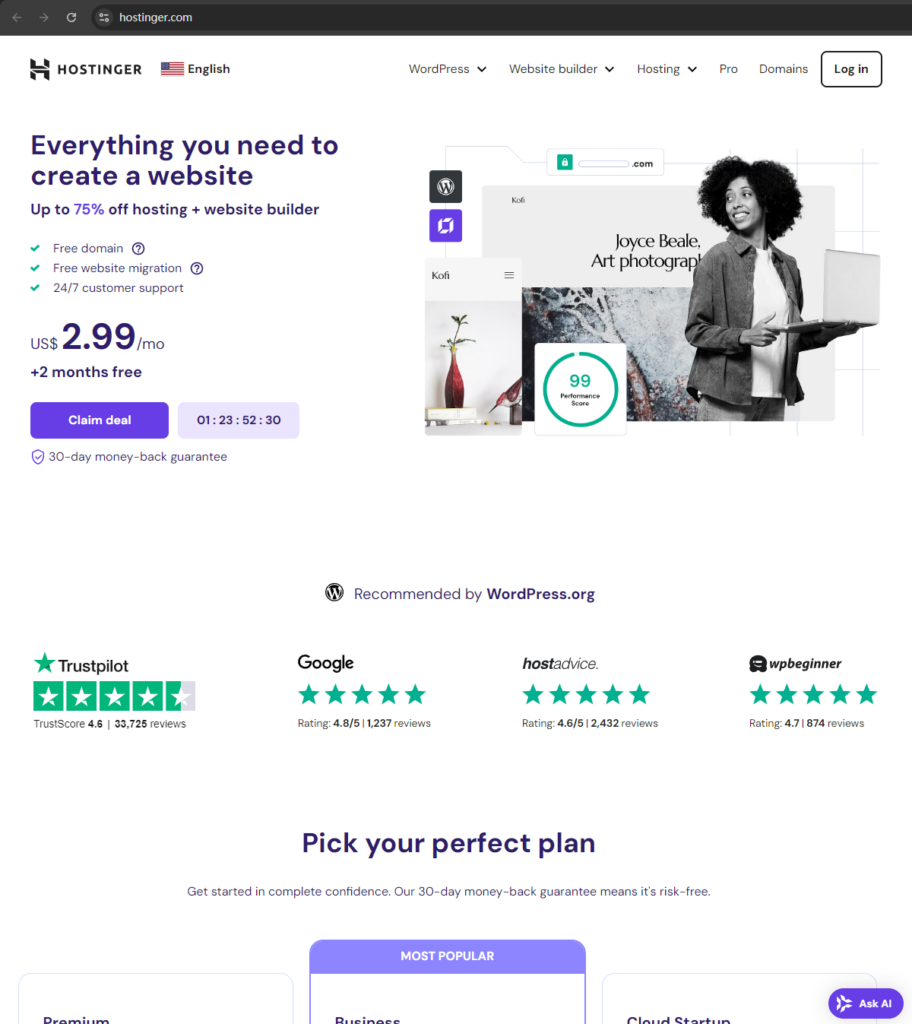
First step, enter the official website:
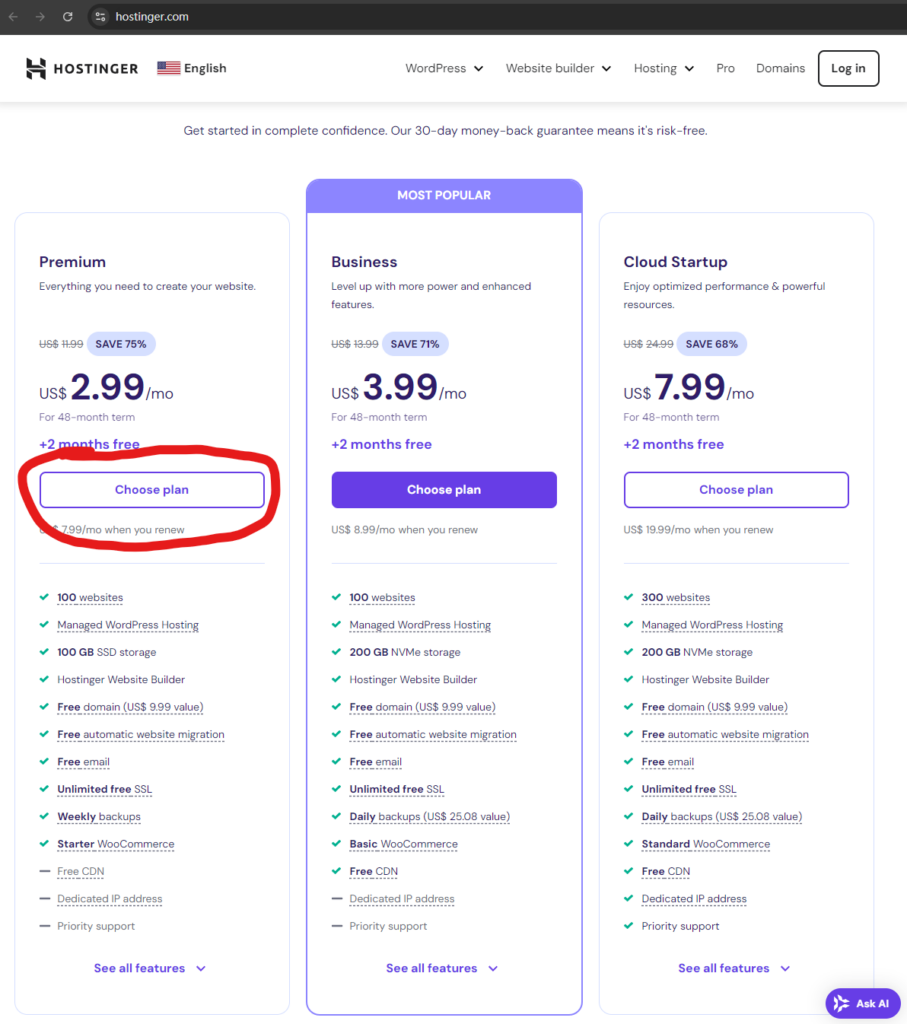
Scroll down, find the packages, select premium, and click “Choose plan”. The cheapest one is fine; $2.99 per month for a year costs 255.68 RMB.
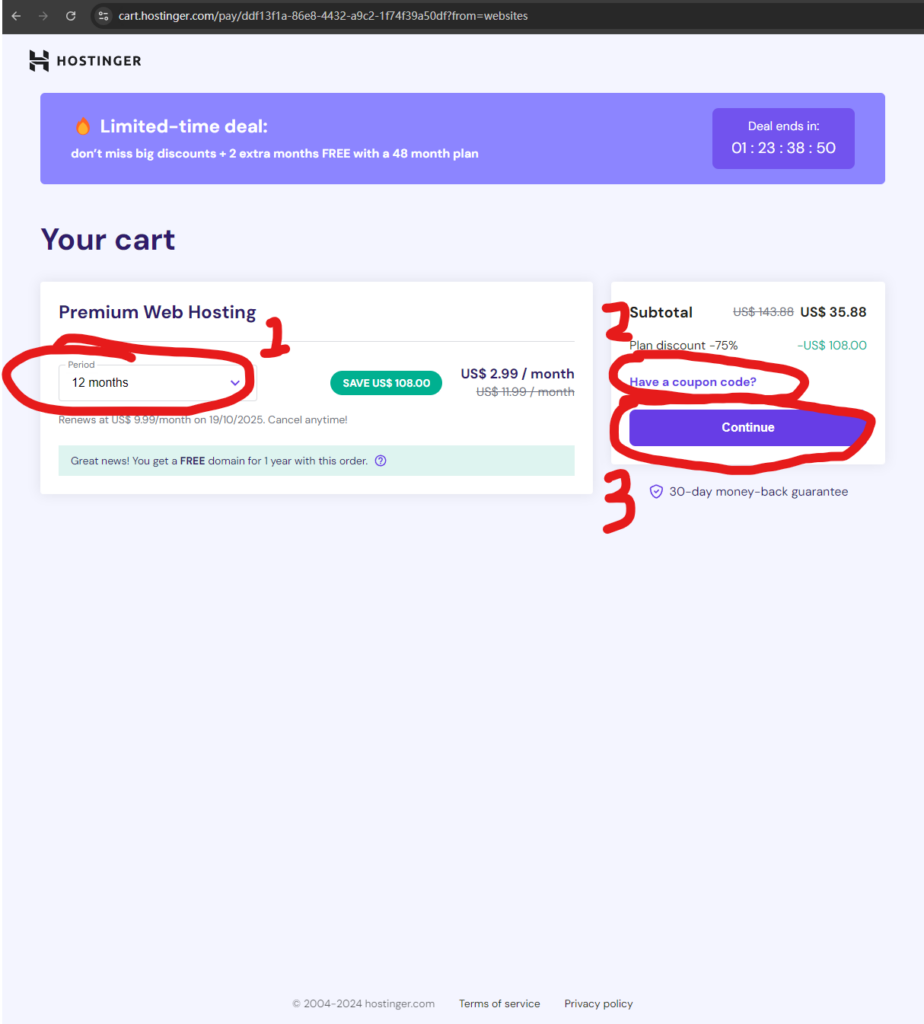
 After entering the shopping cart page, it is recommended to change the payment duration to 1 year, because one month is too expensive and two years is too long.
This website supports coupon input. You can find the coupon code for this website by searching for “hostinger.com” at https://www.coupert.com/.
Copy the coupon code to the subtotal column on the hostinger shopping cart page: click “Have a coupon code?”.
Enter the coupon code you just copied from https://www.coupert.com/. This can save a little more than 2 USD (so it might be a little cheaper than 255.68).
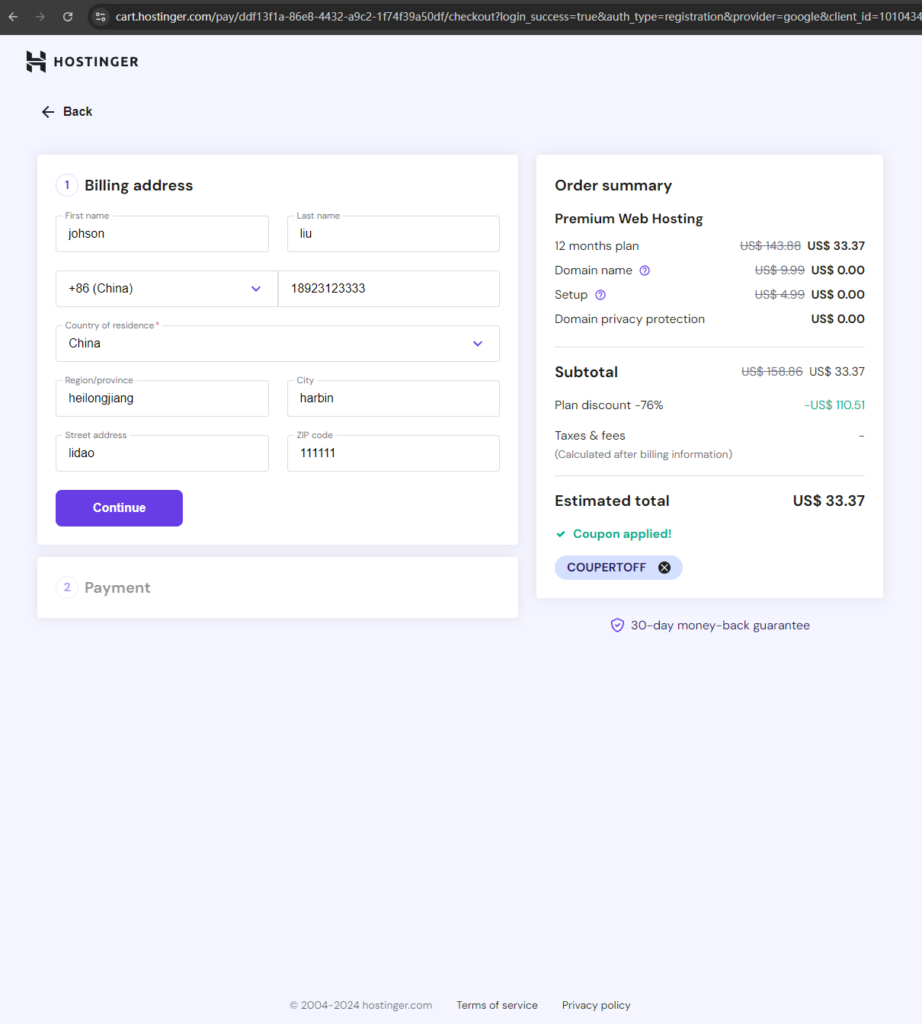
 After clicking continue, log in with your google account or register an account, and then enter the address and identity filling interface. You can fill this in randomly, and then click continue
 Payment methods include credit card, paypal, or 江浙小土豆子马云的支付宝. Considering security, paypal is highly recommended here
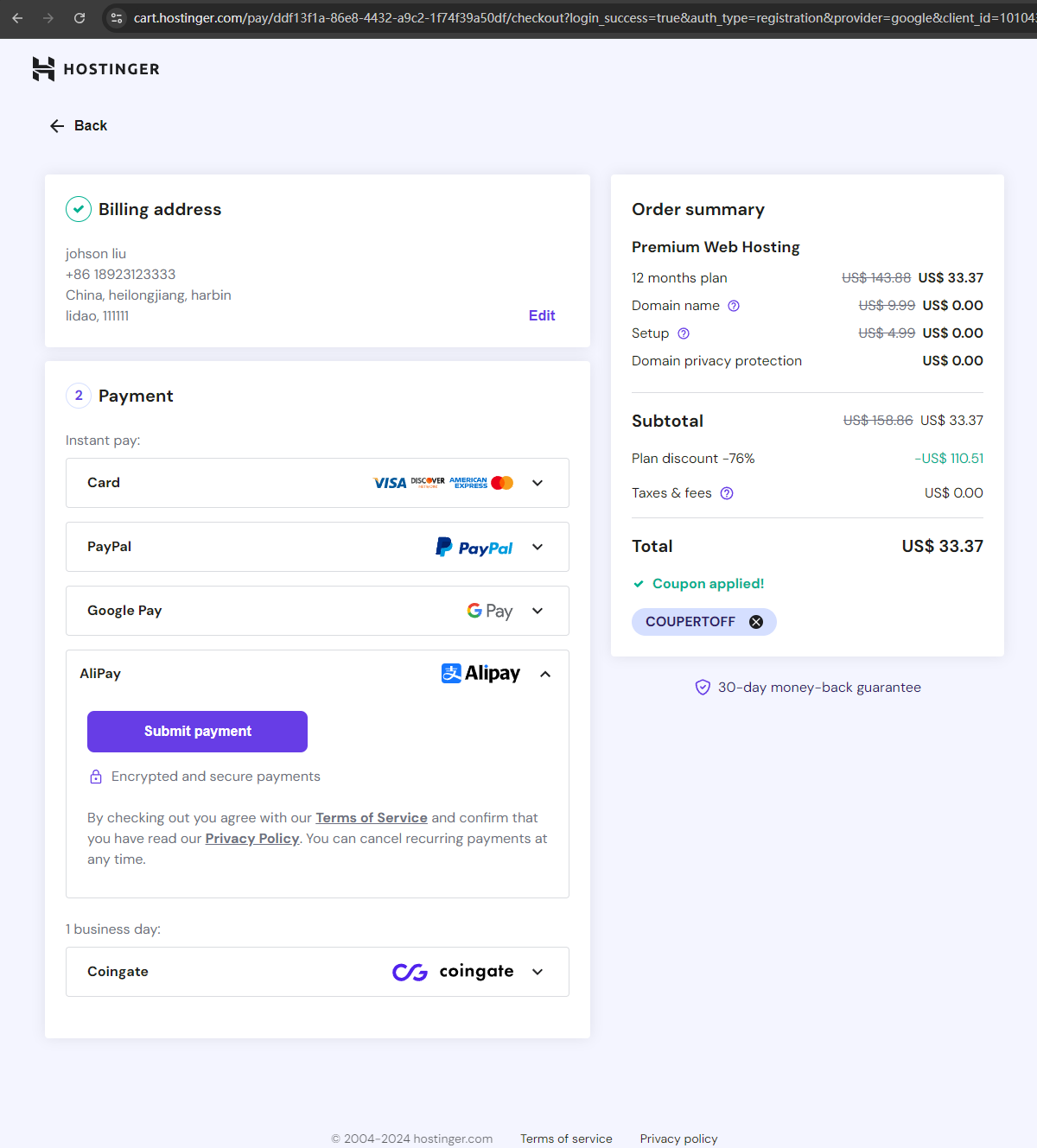 Click continue, jump to the Alipay interface, and scan the code to pay
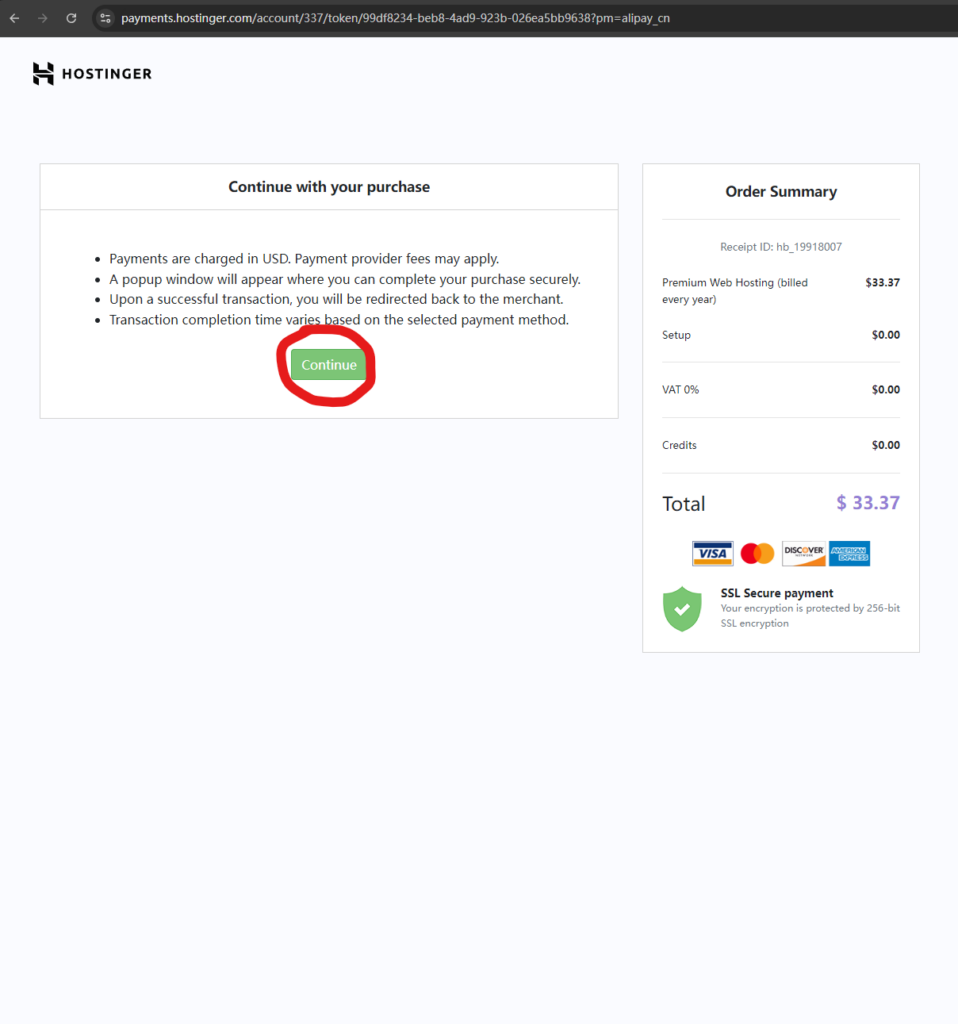 After the payment is complete, click start now
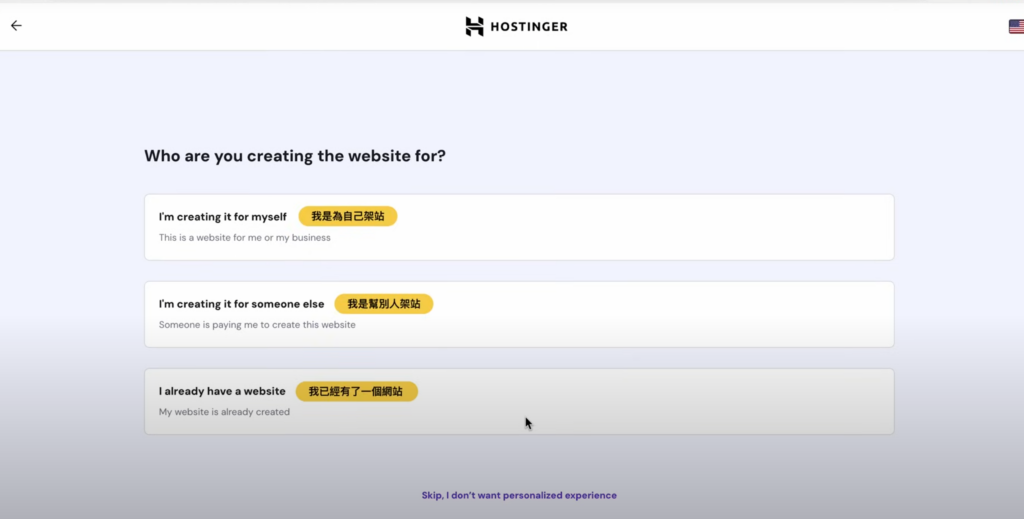
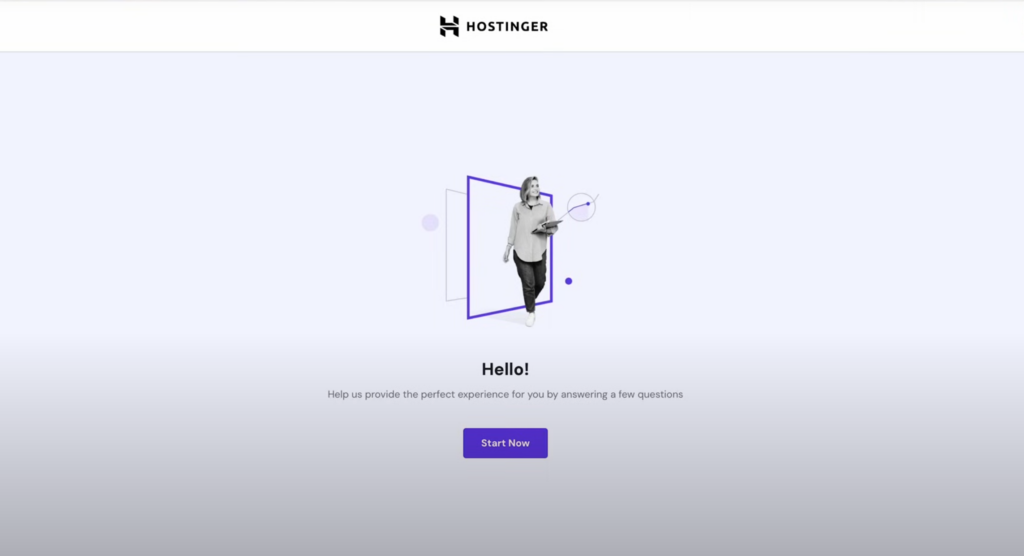 The author did not pay here. Here, a video tutorial from a 台湾youtuber is used to continue the explanation. Click “skip, I don’t want personalized experience” at the bottom
 Click select under “create a new website” on the left
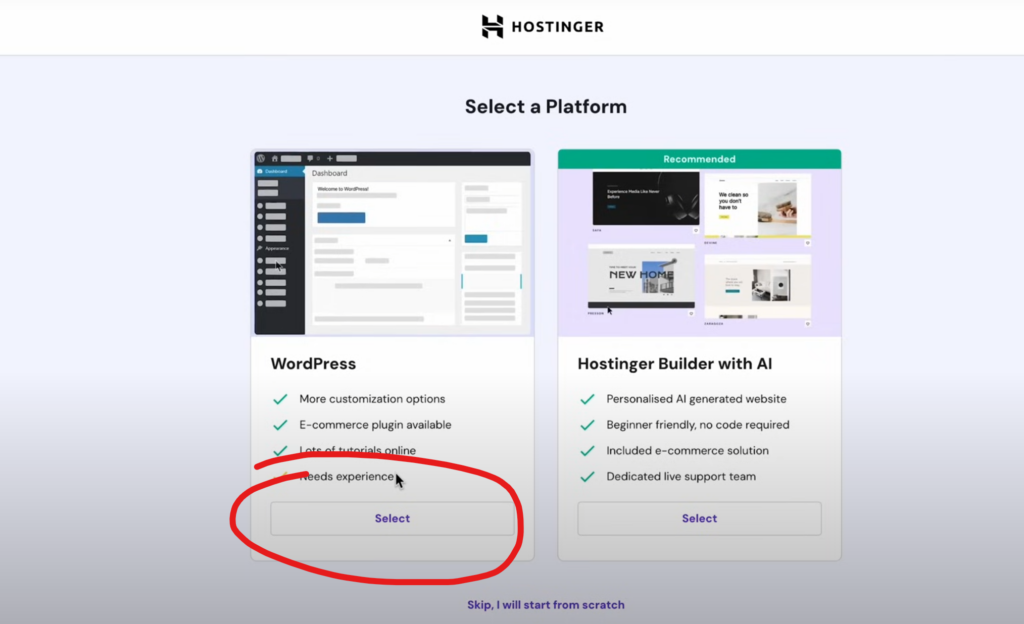
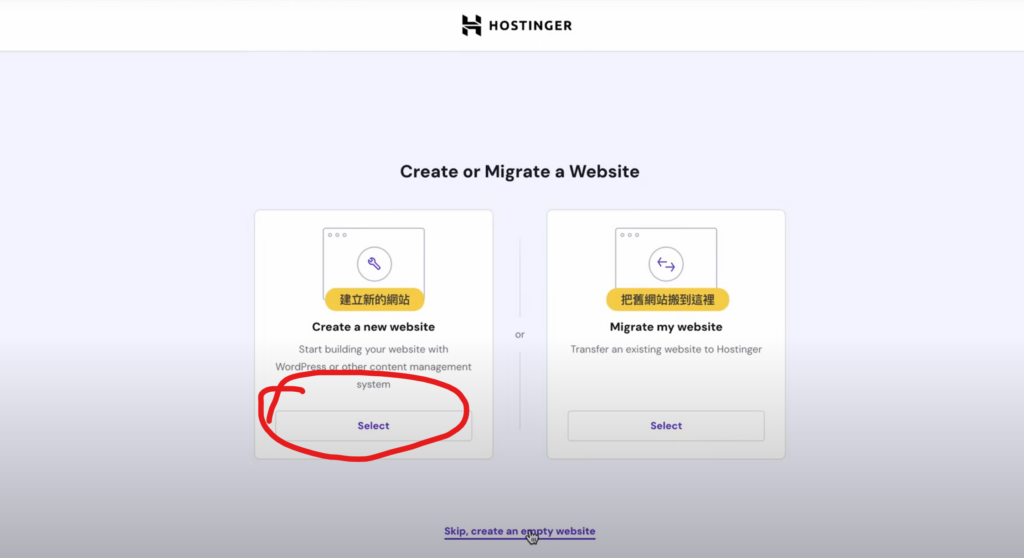 Select select under “WordPress” on the left
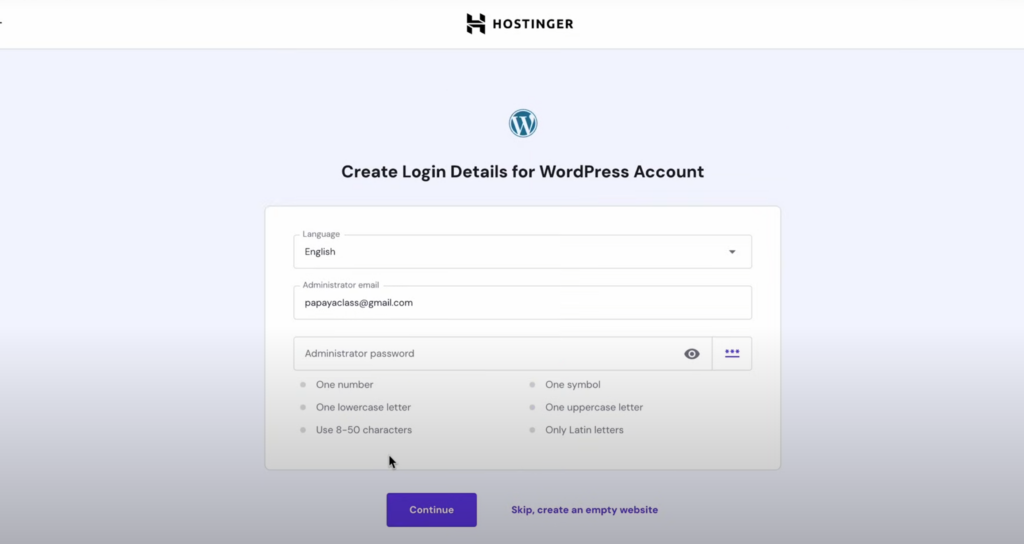
 Select the language as 中文. Here you also need to set the website’s username and password. Be sure to save them properly and don’t lose them. Then click continue
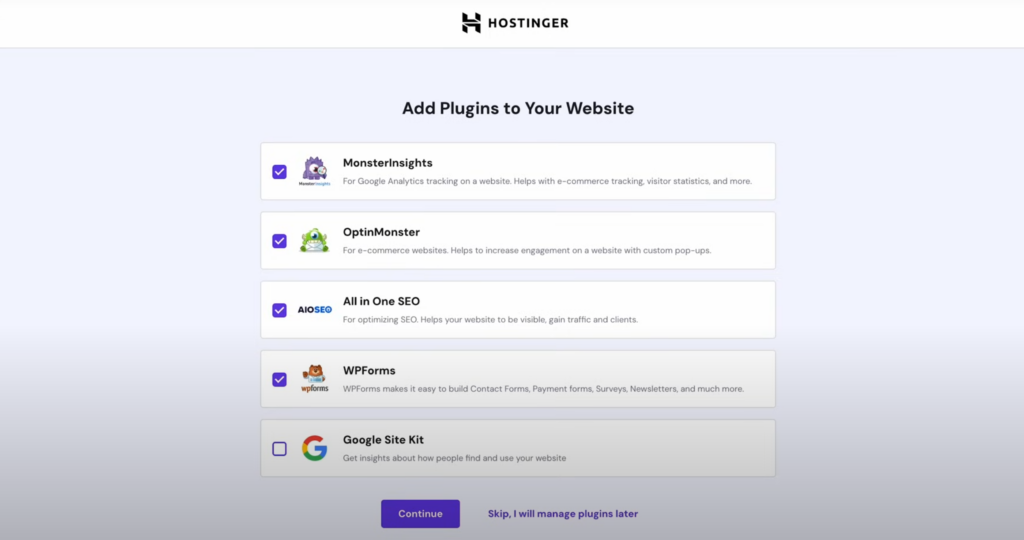
 Choose to skip the plugin page, skip in the lower right corner
 Click skip to skip the theme selection (image omitted)
Click the select button on the left “Claim a Free Domain”
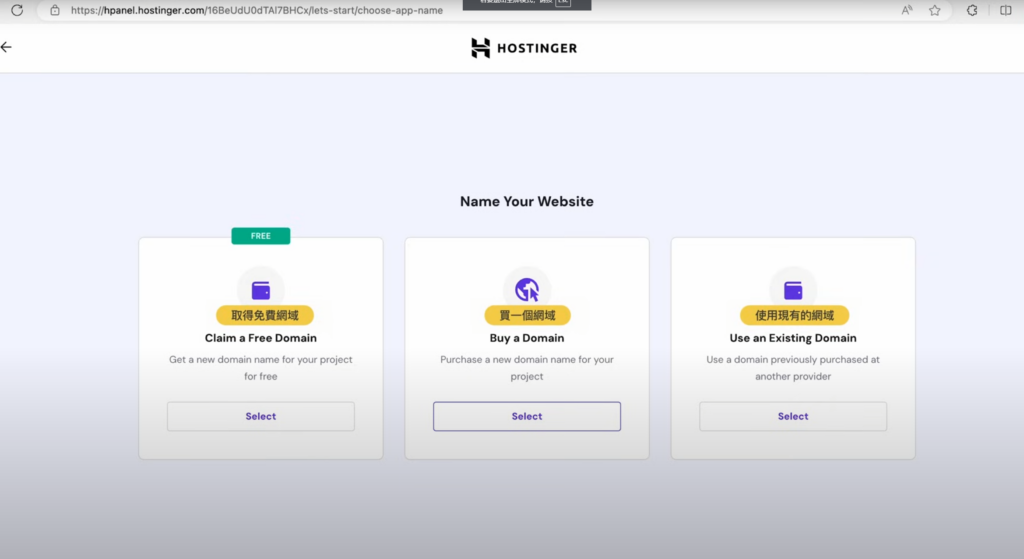 After clicking, a domain search box will appear at the bottom. Select “.com” for the domain ending on the right, and then you can start searching. However, .com domains are particularly prone to name conflicts, so you need to try various names.
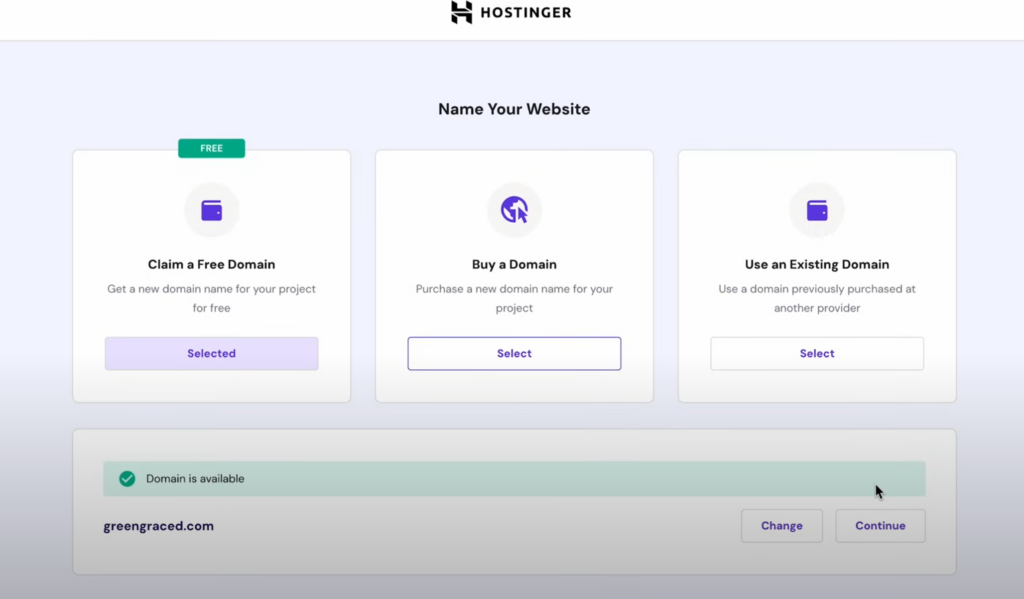
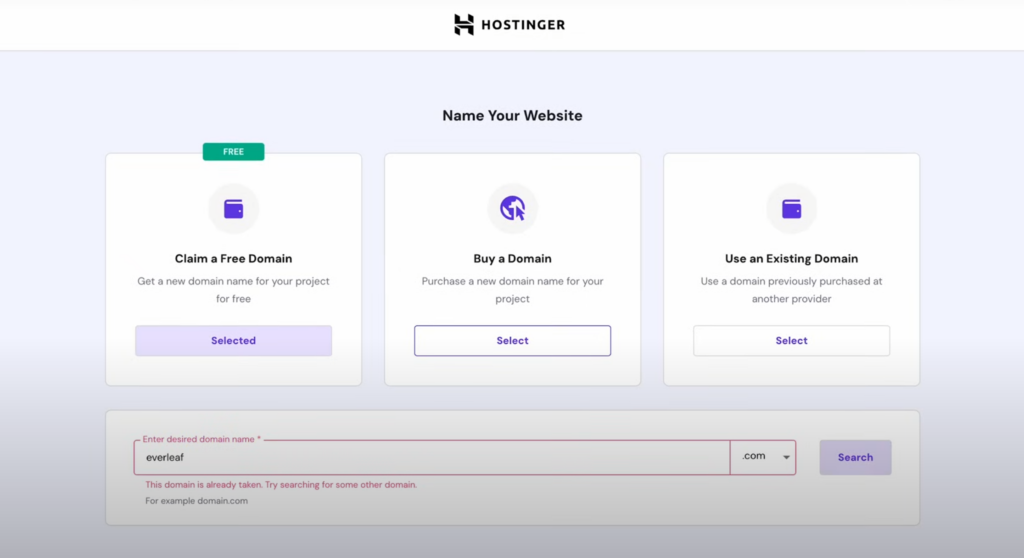 After selecting, click continue
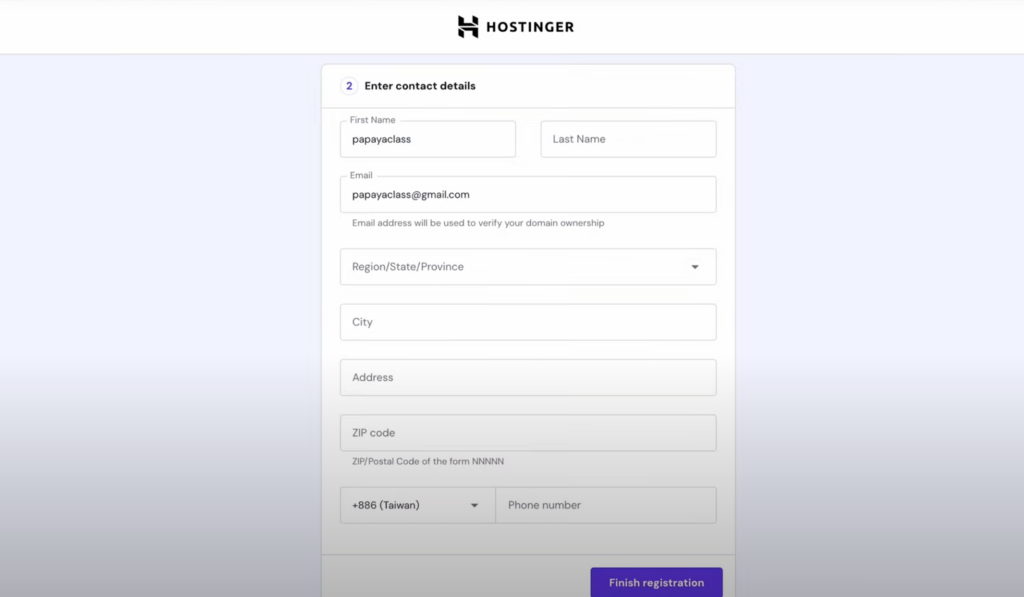
 Fill in the contact information. Fake information is fine. Here, a website for generating random fake US identity is recommended: https://www.meiguodizhi.com/ , and then click finish registration
Then find “Your server location” on the “Let’s Finish Setting Up” page, and click the edit icon on the right (image omitted here)
 Select the server address. Generally, East Asia or Southeast Asia is recommended. You can choose Indonesia here. After selecting, click change
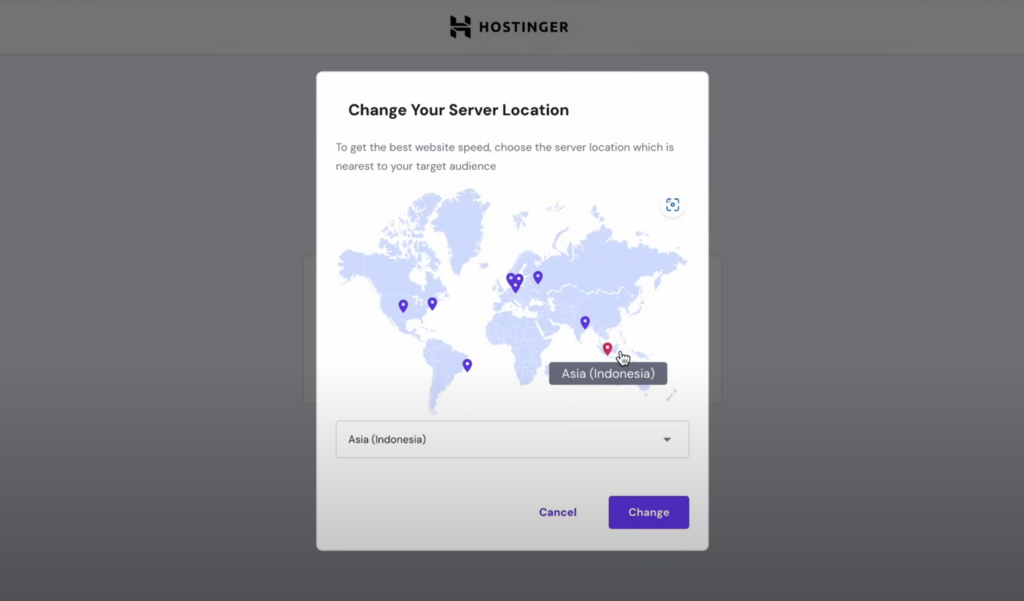 Finally, click Finish setup to complete the configuration. After a period of waiting, you can click “Admin Panel” on the left to enter the website’s management page, where you can edit the website content!
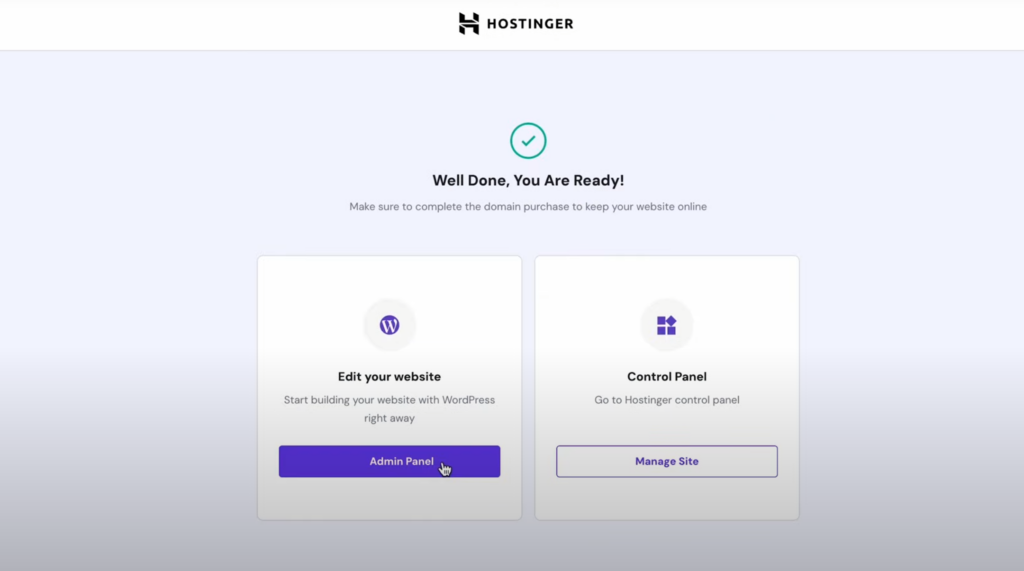 As for how to edit and beautify wordpress, you can find a lot of information on 百度, which will not be elaborated here. I hope your views can resonate with us and the manchurians.
If you think the article is good, please forward and share it.
If you have good ideas, please contribute!